Without PromptCam
- Memorizing paragraph by paragraph
- Eyes drifting to your notes
- Filler words and awkward pauses
- Hours spent editing cuts
New on the App Store
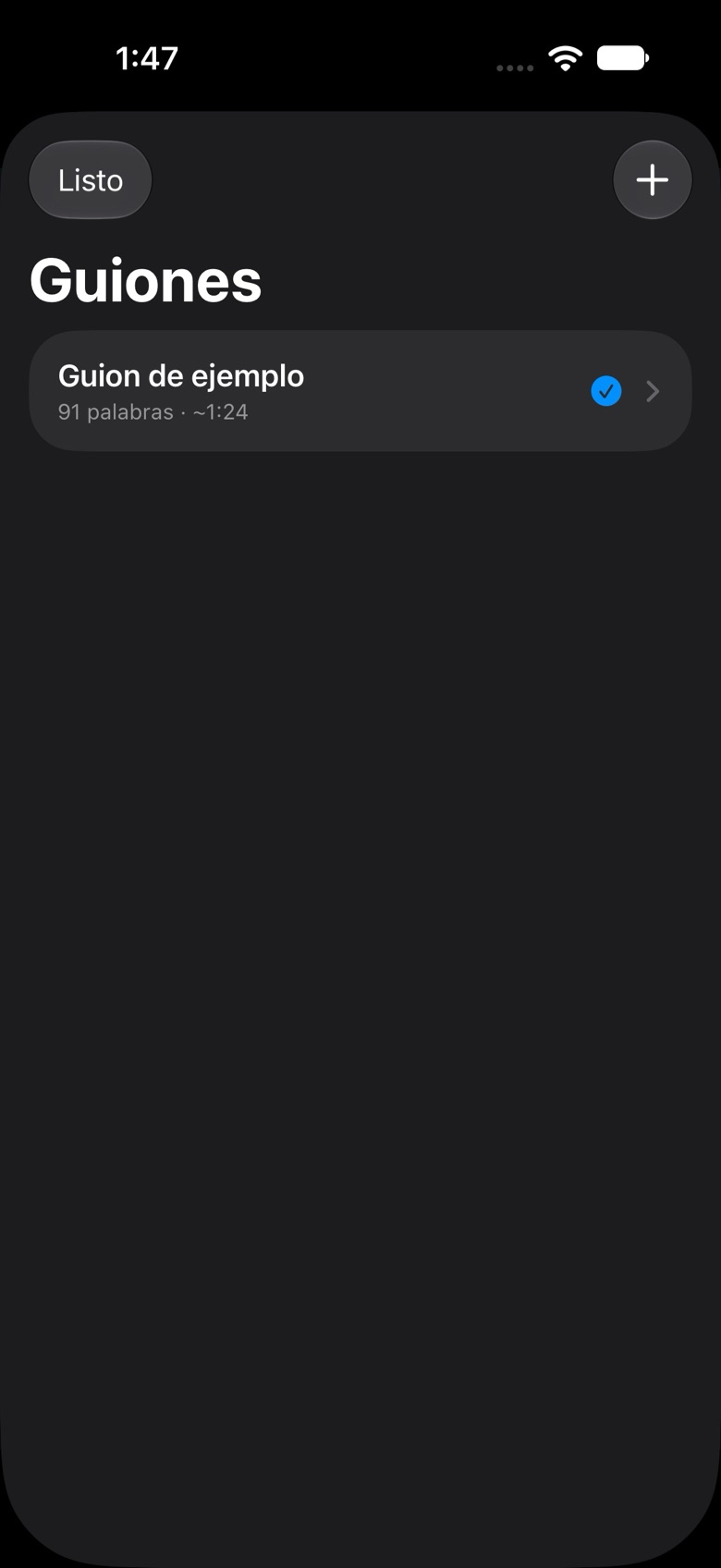
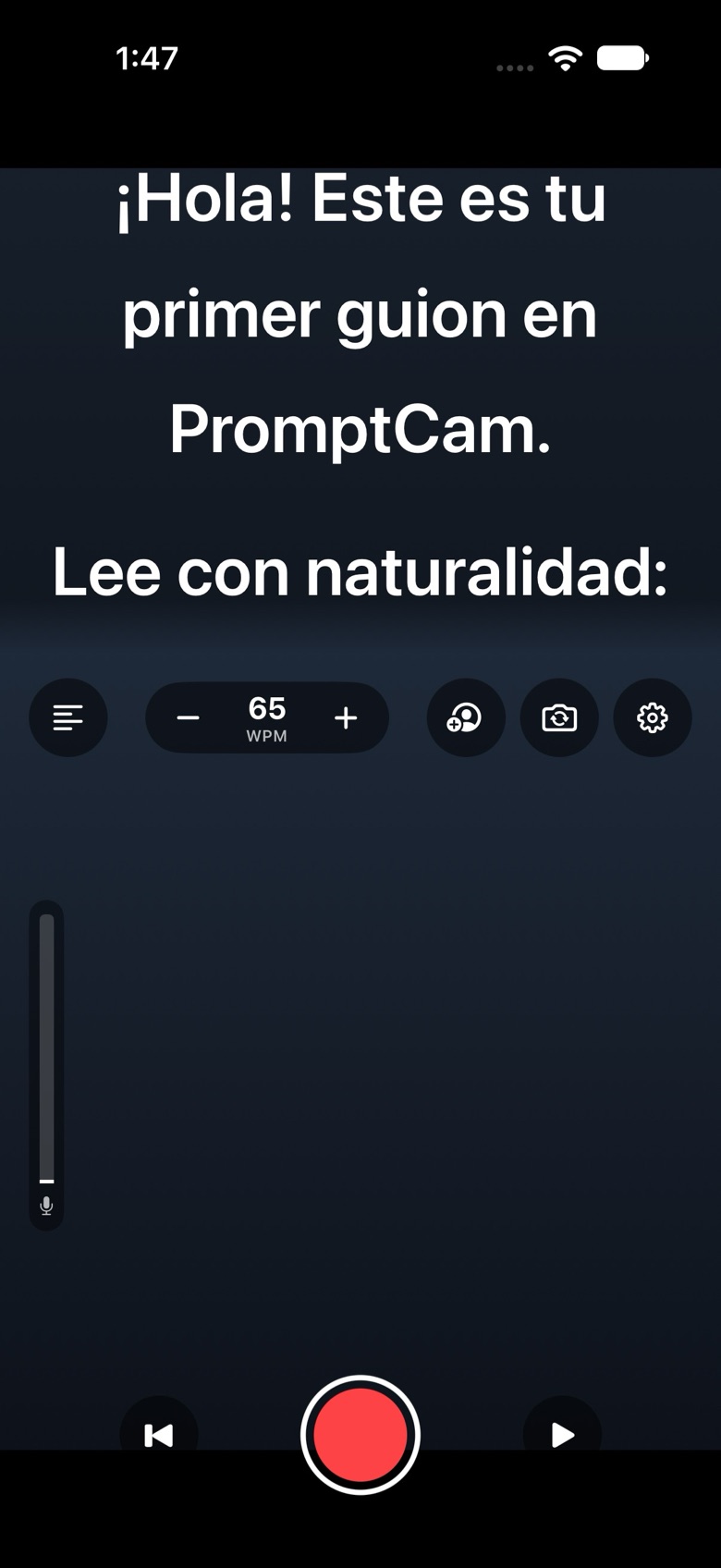
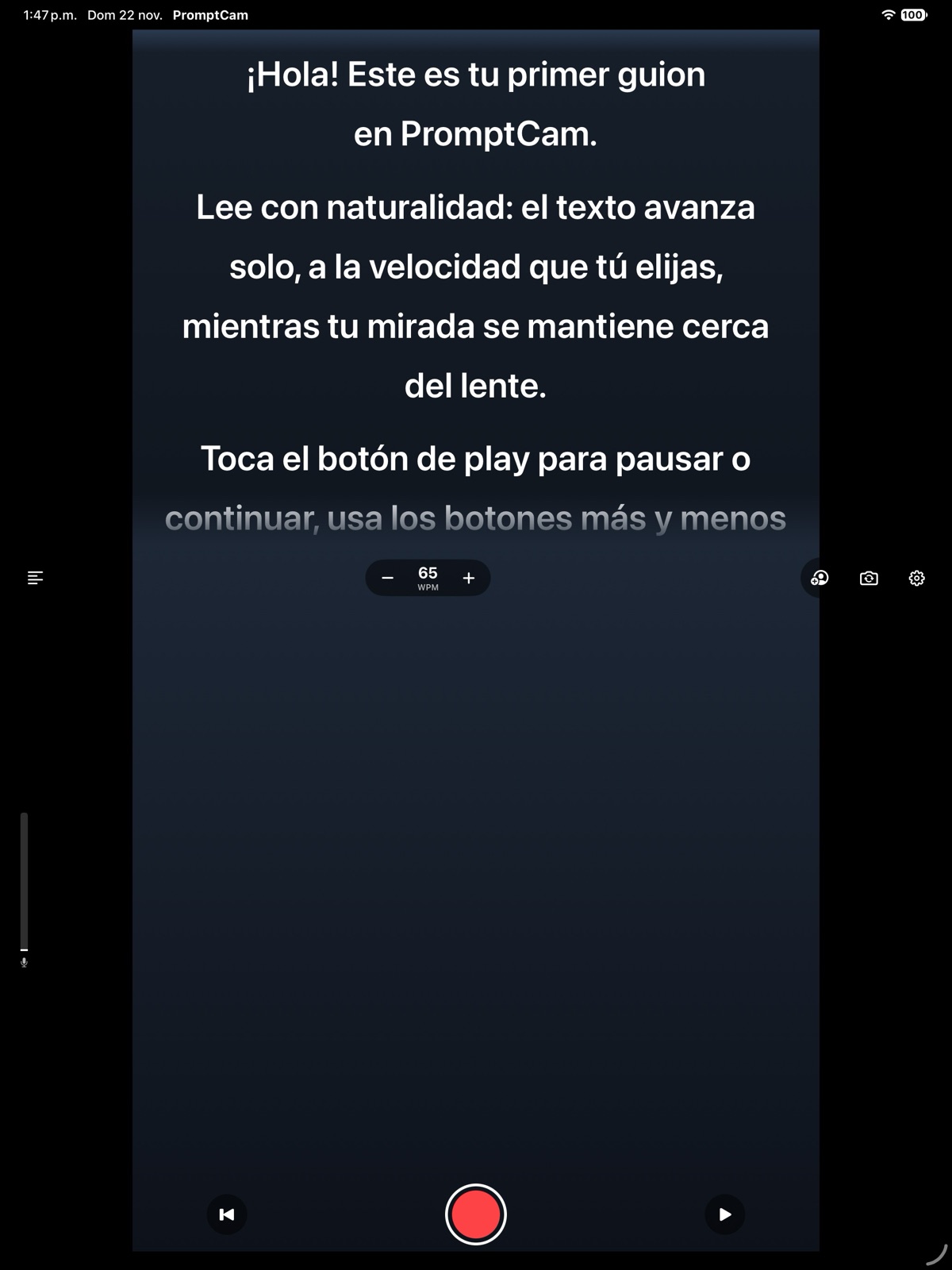
PromptCam is a teleprompter camera: it puts your script over the picture on your iPhone or iPad. You read, you record, and the text never shows up in the video.
Use it to record
Three things I wish I had known before starting. The first one will surprise you.
You forget the line, glance at your notes, lose your train of thought. Stop memorizing: write it once, read it naturally and post.
How it works
Type your own text, press play and adjust the speed. This is a web simulation: in the app, you do it over your camera.
Features
The text moves as you speak. Need a pause? Take your time. You can also use a fixed speed or scroll with your finger.
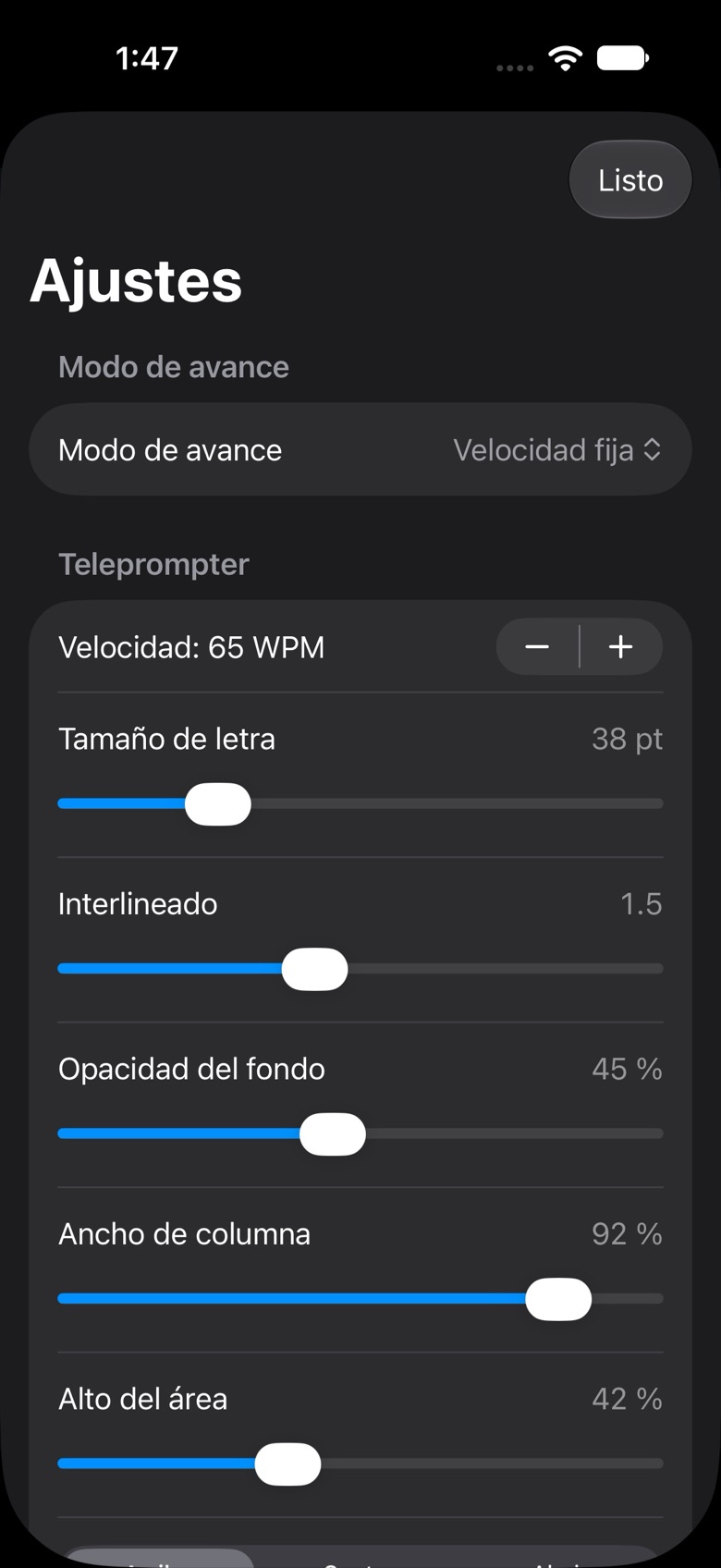
Speed, font size, line spacing, background, and script width and height.
Front or back camera, portrait or landscape, up to 4K depending on your device.
Get settled before you start. Pick how many seconds you need.
Create and edit as many as you like. See word count and duration.
Paste your text and PromptCam can tidy the paragraphs. Don’t like it? Undo.
Choose a compatible microphone and check the audio level on screen.
Watch the result before deciding: save it to Photos, share it, or discard it and record another take.
Your script is saved on your device, ready when you need it.
Choose a fixed speed or let the text follow your voice.
Tap the red button. Only you see the script; the video comes out clean.
Also on iPad
Great for long scripts, classes and presentations.
Privacy
No accountOpen the app and record. No sign-up.
No ads or trackingThe app has no ads, analytics or tracking.
On your deviceWe don’t receive your recordings or scripts.
“Follow My Voice” processes audio on your device by default. If you enable cloud recognition and on-device recognition is unavailable, Apple may process the audio. Privacy policy
PromptCam is a free teleprompter camera app for iPhone and iPad, made by Asimov. It shows your script over the camera preview while you record, and the text is left out of the final video. Use it to record Reels, online classes, sales videos, pitches and team updates without memorizing.
It is an app that shows your script on screen while the camera on the same device records you, so you can read without paper notes or a second device.
In PromptCam, write or paste your script, set the speed or turn on Follow My Voice, and tap the red button. When you finish, review the video and save it to Photos or share it.
Yes. Follow My Voice advances the script as you speak. You can also use a fixed speed or scroll with your finger.
PromptCam is a free download from the App Store.
No. The script is shown over the camera preview and is left out of the final video.
iPhone and iPad with iOS or iPadOS 18 or later.
No. It works without accounts.
Yes, you can choose a compatible microphone and check the audio level on screen.
Spanish and English.
Email contacto@asimov.cl.
Download PromptCam for free and record today.